01The problem
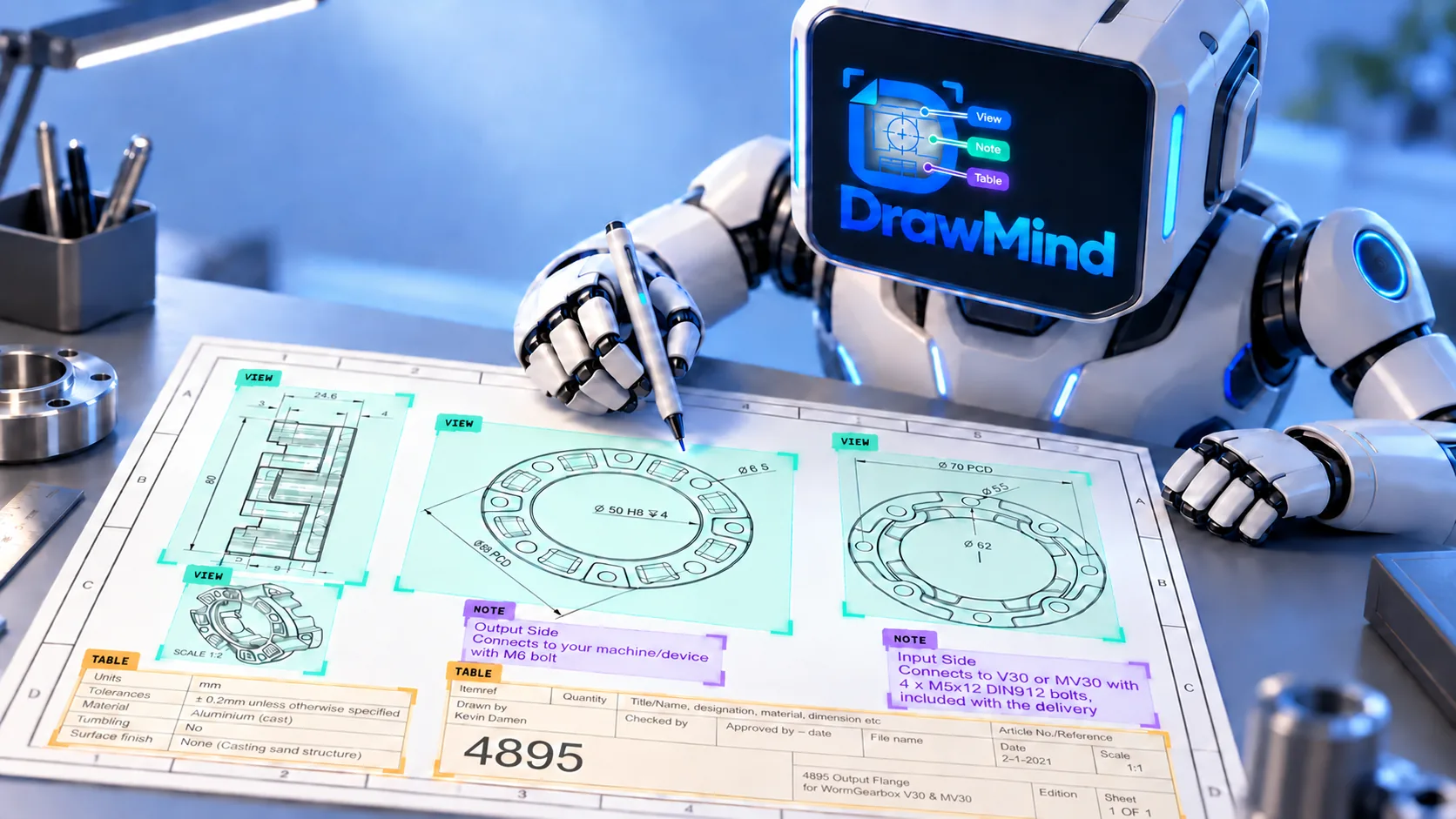
The task: build a system that automatically detects and classifies elements on technical drawings into three types — View, Note, and Table — so downstream tooling can understand a drawing's layout without a human marking it up by hand.
Two things made this genuinely hard. First, View, Note, and Table regions often look alike — dense text, thin lines, repeated symbols on a plain white background — so the model wasn't just missing objects, it was confusing one class for another. Second, the client's quality bar was strict on top of that: high mAP, and a near-zero false-negative rate. A missed detection was much more costly to them than a false alarm, which shaped every decision downstream.
02Project impact & outcomes
03System in action
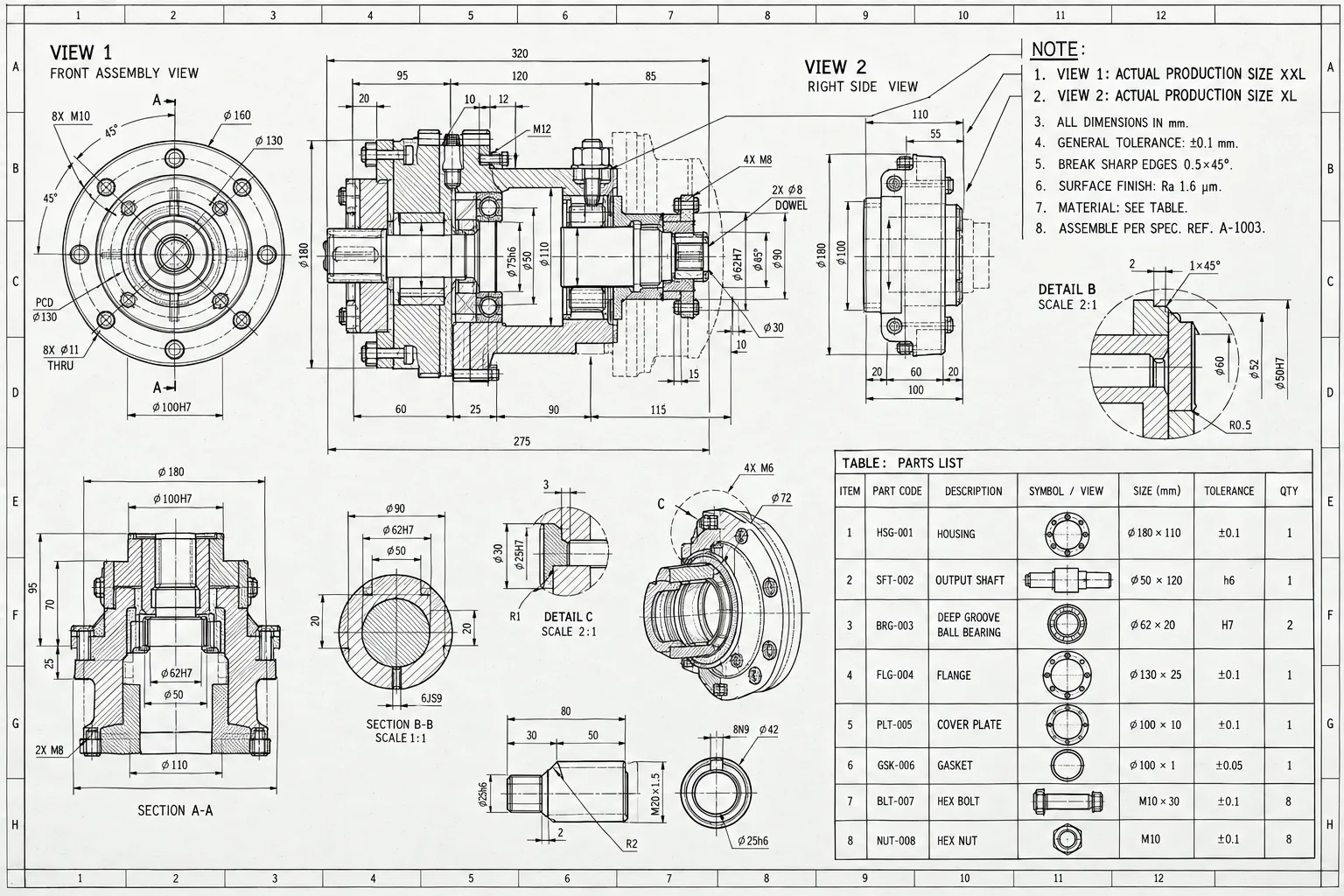
Automatic detection and pixel-level segmentation of every View, Note, and Table region on a drawing — accurate and reliable end-to-end, driven by RT-DETR together with the targeted image-processing and classification strategy from the section above.
An AI agent that reads a drawing deeply enough to answer questions about it — an LLM and a VLM behind an orchestration layer that calls the right tool for the job, including custom tools built specifically for this workflow.
04Domain gap: a real-world model, meeting a line drawing
RT-DETR-ResNet101 was pretrained on normal photos — people, cars, everyday objects. Its low-level features and initialization were still useful, but the higher-level representations didn't transfer cleanly to a technical drawing's mostly thin black lines, small text, and repeated symbols on a plain white background. Our initial fine-tuning baseline converged, but recall — especially on small and visually ambiguous regions — stayed below the client's acceptance threshold.
Part of that gap wasn't really about pretraining at all: these drawings are high-resolution, and resizing a full sheet down to the model's input size can erase the very thing that makes a Note a Note — small text shrinks to a handful of illegible pixels, thin lines vanish, and a large Table can end up looking like a small Note block. Tiling and higher-resolution inference mattered here as much as the domain gap itself.
More diverse, accurately labeled training data — especially hard examples and underrepresented layouts — would likely have improved generalization further, but the client could only provide a limited amount, and we had a limited GPU budget too, so scaling up to a much bigger model wasn't an option either. That left three constraints at once: data that didn't cover every case, limited VRAM/compute, and pretrained representations that weren't a great fit for the domain to begin with.

What the model already knew
Natural photos — continuous color, texture, lighting, real-world object shapes. Millions of pretraining examples, none of them a line drawing.
What it actually had to read
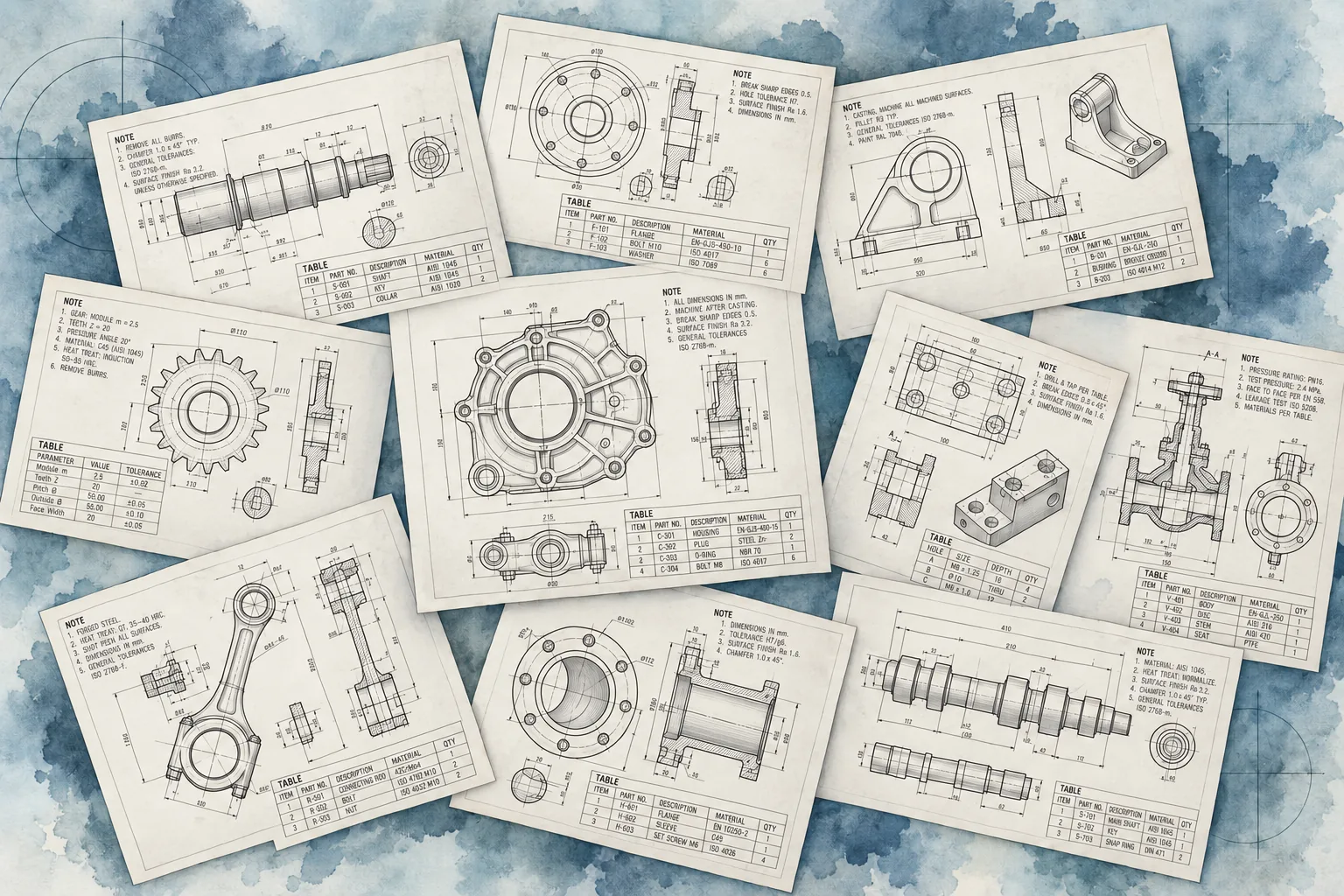
Sparse black-and-white geometry, dense repeated symbols, and three classes whose visual patterns partially overlap — telling them apart reliably takes both local structure and surrounding layout context.
05The approach: work around the constraints, not against them
Instead of chasing "more data, bigger model," the team looked closely at exactly which errors kept showing up, grouped them by cause, and fixed each group directly.